
 This website is here to provide you with the
necessities to


 ✿ Owner: Kayla
orbs v1 tutorial
What you'll be making:
This is screen:

This is lighten:

This is both:
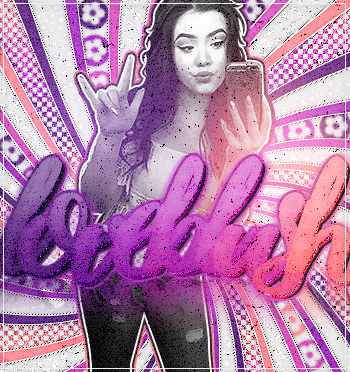
The Steps
1. Click on the orb brush that should have came with your photoshop
If you don't have one, click here to download the brush.
2. Make it size 200px-300px Pick 2-4 colors of your color scheme. Place them where you want them. For this tutorial I did 2 colors. {picture cropped for tutorial purposes!}
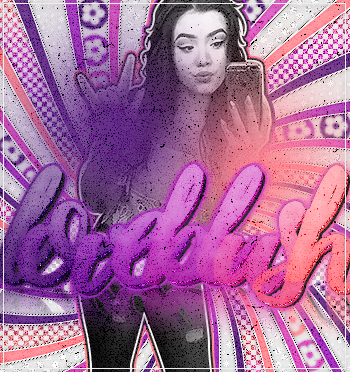
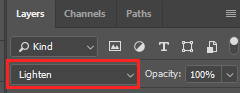
3. Set the layers blending mode to lighten or screen
This is lighten:
This is screen:
This is both:
If it seems TOO BRIGHT you can lower the opacity of the layer, or fade the brush {edit >> fade brush}